HVAC for Server Rooms: Cooling & Reliability Tips
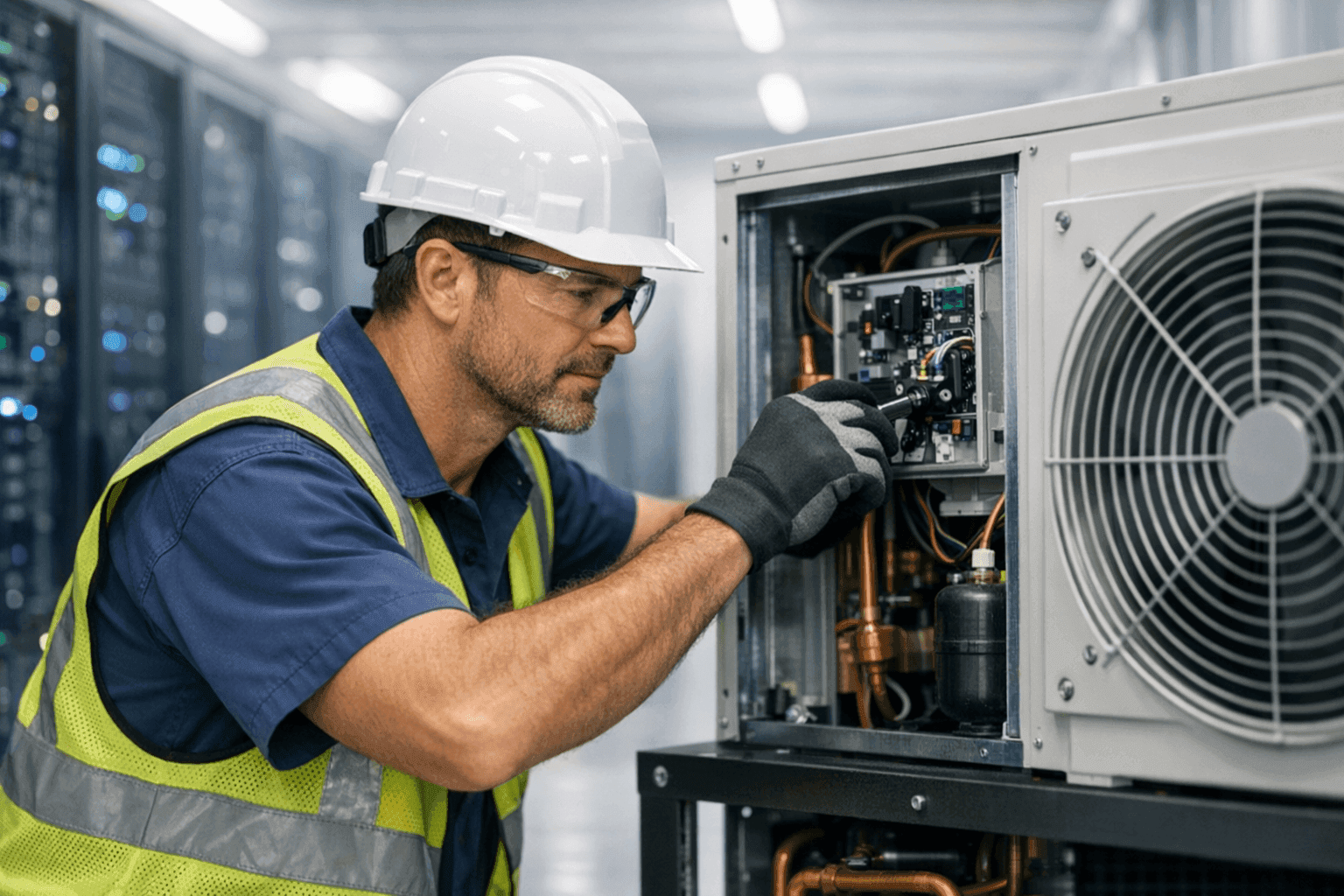
Keeping a server room cool isn’t just a comfort issue. It’s a race against time and temperature to protect your business’s digital backbone. At Best Indy HVAC, we know every degree matters. A spike in heat could mean data loss, equipment failure, or hours of downtime you can’t afford.
Server rooms have unique needs. From small tech closets to sprawling data centers, the right HVAC setup can make the difference between smooth operations and disaster.
Why Server Room Cooling Is Critical
Think of your servers as marathon runners. They generate heat—constantly. Without proper cooling, they overheat, slow down, or even collapse. The result? Lost productivity, expensive repairs, and worst of all, lost data.
ASHRAE (American Society of Heating, Refrigerating, and Air-Conditioning Engineers) recommends keeping server rooms between 64°F and 80°F, with relative humidity between 40% and 60%. Stray outside those lines, and risk rises like steam from a kettle.
Cooling Methods: Beyond Ordinary HVAC
Not all cooling is created equal. Traditional air conditioning might cut it in the break room, but server rooms demand more precision—and backup.
- Precision Cooling Units: Specifically designed for IT environments. These units maintain tight temperature and humidity ranges.
- Geothermal Cooling: If you're searching for "Geothermal near you," know that geothermal systems offer energy-efficient, reliable temperature control, ideal for server rooms needing stable climates. Learn more about our geothermal solutions.
- Mini-Splits: Perfect for smaller rooms or as supplemental cooling. They’re quick to install and flexible.
- In-Row or Overhead Cooling: Directs cold air right where it’s needed—between racks or above equipment.
- Hot/Cold Aisle Containment: Keeps cool air flowing efficiently and prevents hot spots.
Humidity Control: The Silent Protector 💧
Humidity is a sneaky culprit. Too much, and you risk condensation—bad news for electronics. Too little, and static electricity can zap sensitive components.
- Dehumidifiers: Essential in damp climates or basements.
- Humidifiers: Necessary if your air is dry, especially in winter.
- Smart Monitoring: Sensors can alert you before levels drift into danger zones.
Warning Signs: Don’t Ignore These Red Flags
Server rooms send out distress signals. Catching them early is like spotting a warning light on your dashboard.
- Unexpected temperature spikes
- Loud fans or short cycling
- Condensation on floors, walls, or racks
- Musty or burning smells
- Frequent server crashes or restarts
If you notice any of these, it’s time to act.
Redundancy: Don’t Put All Your Eggs in One Basket
Downtime isn’t an option. That’s why redundancy is the golden rule for server room HVAC.
- Backup Units: A secondary AC or mini-split can kick in if the main system fails.
- Generators: Power outages shouldn’t mean cooling outages. We install and maintain generators.
- Automated Alerts: Remote monitoring systems can notify you—day or night—if temperatures climb.
Maintenance: The Heartbeat of Reliability
Think of maintenance like brushing your teeth. Skip it, and problems multiply.
- Monthly Filter Changes: Dust and debris choke airflow.
- Quarterly Inspections: Check belts, refrigerant, drain lines, and electrical connections.
- Annual Deep Cleans: Ducts, coils, and fans need attention. Professional cleaning prevents buildup and keeps air moving efficiently.
- Calibration: Make sure thermostats and sensors are accurate.
For commercial clients, a preventative maintenance plan is more than a checklist—it’s insurance against disaster.
Monitoring: Eyes (and Sensors) Everywhere
Remote monitoring isn’t a luxury—it’s a necessity. Modern systems track temperature, humidity, and even airflow.
- Real-time dashboards
- Automated text or email alerts
- Data logging for compliance and troubleshooting
ASHRAE and National Fire Protection Association (NFPA 75) both recommend continuous environmental monitoring for IT spaces.
Emergency Planning: When Every Second Counts 🚨
Even with the best systems, things can go sideways. Have a plan.
- Emergency Contact List: Know who to call—fast.
- Clear Access: Don’t stack boxes or block HVAC units. Technicians need access in a crisis.
- Temporary Cooling: Portable ACs or spot coolers can buy precious time.
Practice drills at least annually so your team knows what to do.
DIY vs. Call a Pro: Know Your Limits
Changing a filter? Go for it. Diagnosing refrigerant loss or electrical issues? Leave that to professionals.
Server room HVAC is high-stakes. Cutting corners can turn a small problem into a major outage.
What Pros Do on Arrival
When Best Indy HVAC shows up, here’s what you can expect:
- Assess the entire cooling system, not just the obvious trouble spots
- Check for airflow obstructions and verify thermostat readings
- Inspect wiring, controls, and backup systems
- Review humidity controls and calibrate sensors
- Provide honest recommendations—no upsells, just straightforward advice
Prevention & Maintenance: Habits That Pay Off
A stitch in time saves nine. Here’s how to stay ahead:
- Schedule regular inspections—at least twice a year for critical spaces
- Replace disposable filters monthly or as recommended
- Keep racks clear of dust and clutter
- Review your maintenance log for recurring issues
A proactive approach reduces the risk of surprise downtime.
Seasonal Considerations: Hot Summers, Cold Winters
Indiana weather swings from humid summers to icy winters. Both can test your server room’s cooling.
- Summer: Watch for overheating and high humidity. Geothermal systems maintain steady cooling, even during heatwaves.
- Winter: Humidity drops. Static electricity risk rises. Humidifiers become crucial.
Adjust your maintenance and monitoring routines with the seasons.
Common Mistakes to Avoid 🚫
- Relying solely on building-wide HVAC
- Neglecting regular maintenance
- Ignoring humidity
- Skipping backup power for cooling systems
- Blocking airflow with storage or furniture
- Setting thermostats too low (wastes energy and stresses equipment)
Cost & Timeline Factors: Plan, Don’t Panic
How long does a typical server room HVAC install or upgrade take? For most spaces: 1–3 days, depending on complexity. Costs vary by size, equipment, and existing infrastructure. Investing in proper cooling is far less expensive than recovering from a major outage or hardware failure.
Air Quality: Breathing Easy in High-Tech Spaces
Server rooms need clean air. Dust and debris can clog fans and cause overheating. Regular duct cleaning and high-quality filters are essential for longevity.
- Use HEPA or electrostatic filters for best results
- Schedule duct cleaning every 1–2 years
Indoor Air Quality Testing: Don’t Guess
Airborne contaminants can damage sensitive electronics. Routine IAQ testing helps spot issues early.
- Check for particulates, VOCs, and humidity imbalances
- Address any issues quickly to maintain a safe environment
When It’s an Emergency: Act Fast
If your server room temperature rises above 80°F, or systems start shutting down, treat it as an emergency. Call for immediate HVAC service and deploy backup cooling if available.
If you need reliable hvac in emergencies, check our hvac company page for Hobbs, NM.
FAQ: What Every Server Room Manager Asks
How often should I check my server room temperature?
At least daily, but continuous monitoring is best.
Is geothermal cooling really worth it for server rooms?
Yes, especially for energy savings and stability. It’s a smart long-term investment for high-demand spaces.
What about air balancing?
Crucial. Uneven airflow can create hot spots and stress equipment.
Will a mini-split be enough for a small IT closet?
Often, yes—but always size the system to your equipment load.
Final Thoughts: Protect Your Digital Lifeline
Your server room is the heart of your business. Don’t leave its cooling to chance. Whether it’s precision cooling, geothermal solutions, or routine maintenance, Best Indy HVAC brings experience and attention to detail to every job.
Call Best Indy HVAC now — or reach us anytime at 855-525-5859 .